
Images 2.6 · Free browser tool
ChatGPT GIF
prompt builder.
Build an Images 2.6 sprite-sheet prompt for a seamless looping GIF. Copy it into ChatGPT.
Prompt builder only.
We do not run the image model. No files leave your browser in v1.
01 / Build
Start with a simple idea.
Everything updates locally as you type.
02 / Templates
Use a starting point.
Click once to fill the builder.
See it in action
A little idea can go a long way.
Watch OpenAI’s Images 2.6 demonstration, then try a prompt of your own in ChatGPT.
Read the OpenAI announcement ↗03 / In ChatGPT
A short path from idea to loop.
- 01
Copy the prompt
Use the button above. The full prompt is one English block ready to paste.
- 02
Open an image flow
Open ChatGPT and use the image or create flow available on your plan.
- 03
Paste and generate
If ChatGPT returns a still sheet, ask it to animate or export it as a GIF using the current product controls.
- 04
Iterate one field
Change the motion, mood, or subject and copy a fresh prompt.
Prompt anatomy: why 6 frames and a 3×2 grid? +
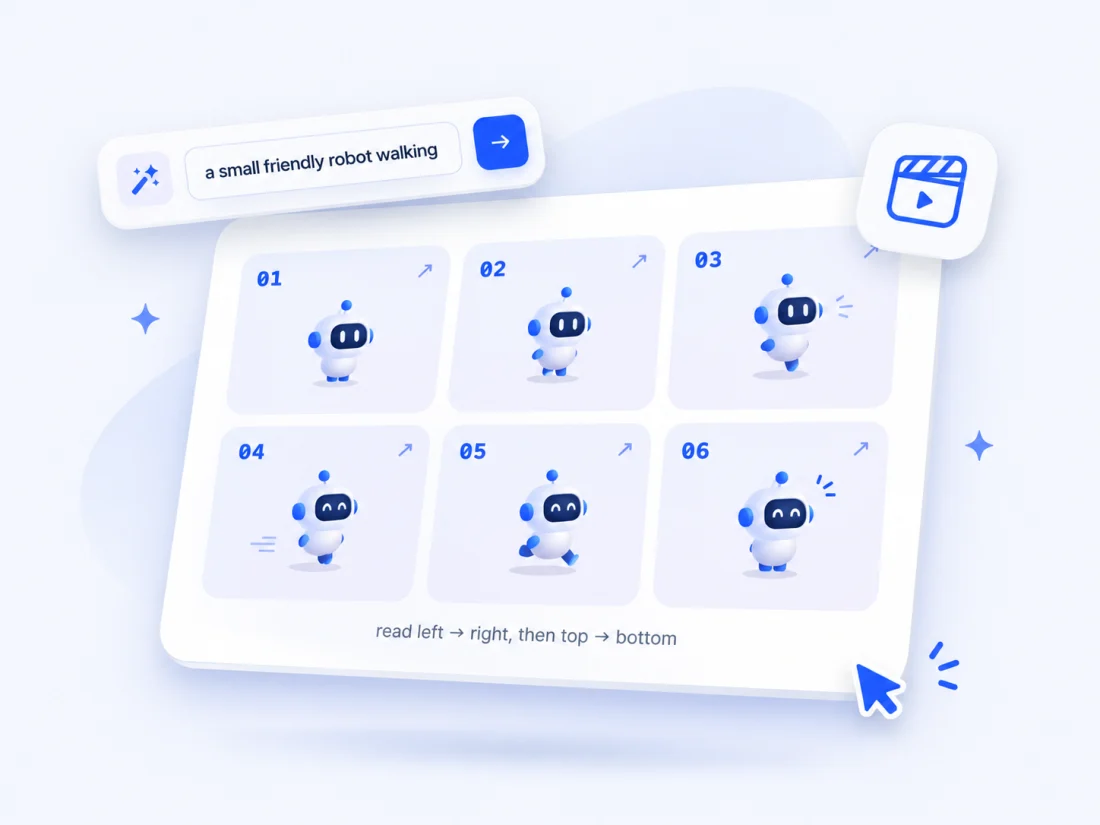
The Images 2.6 announcement demonstrates looping GIFs with a single animation sprite sheet: exactly six sequential frames in a 3-column by 2-row grid. The fixed camera, identical panel dimensions, and “no text” constraints give beginners a stable structure to iterate on.
This builder follows that example’s shape. It cannot guarantee a GIF, consistent characters, or a particular output quality.
Common questions
Clear limits, by design.
Does this create the GIF on aluo.app?
No. It only builds a prompt. Generation happens in ChatGPT (or the API if you use that yourself).
Will ChatGPT always return an animated GIF?
Not guaranteed. Product UI and behavior can change. If you receive a still sheet, continue in ChatGPT and ask to animate or export it using the current controls.
What are the free and paid limits?
OpenAI has not published a simple public “N GIFs per day on Free” table in the announcement we cite. We do not invent quotas—check your ChatGPT plan and in-product notices.
Why so many “no text / no logos” rules?
Text and logos in sprite panels often break loops and look messy; the official examples also avoid captions and panel chrome.
Is this affiliated with OpenAI, and do you store prompts?
No. This is an independent browser tool. In v1, preview state stays in your browser and we do not store your prompts on a server.
Sources
What this builder is based on.
OpenAI: Introducing Images 2.6 ↗
The official announcement describes GIF generation and the structured sprite-sheet example this tool adapts.
Later: optional client-side 3×2 grid → GIF slicer. No upload or server processing planned for v1.